1.1 Getting Started as a Sponsor
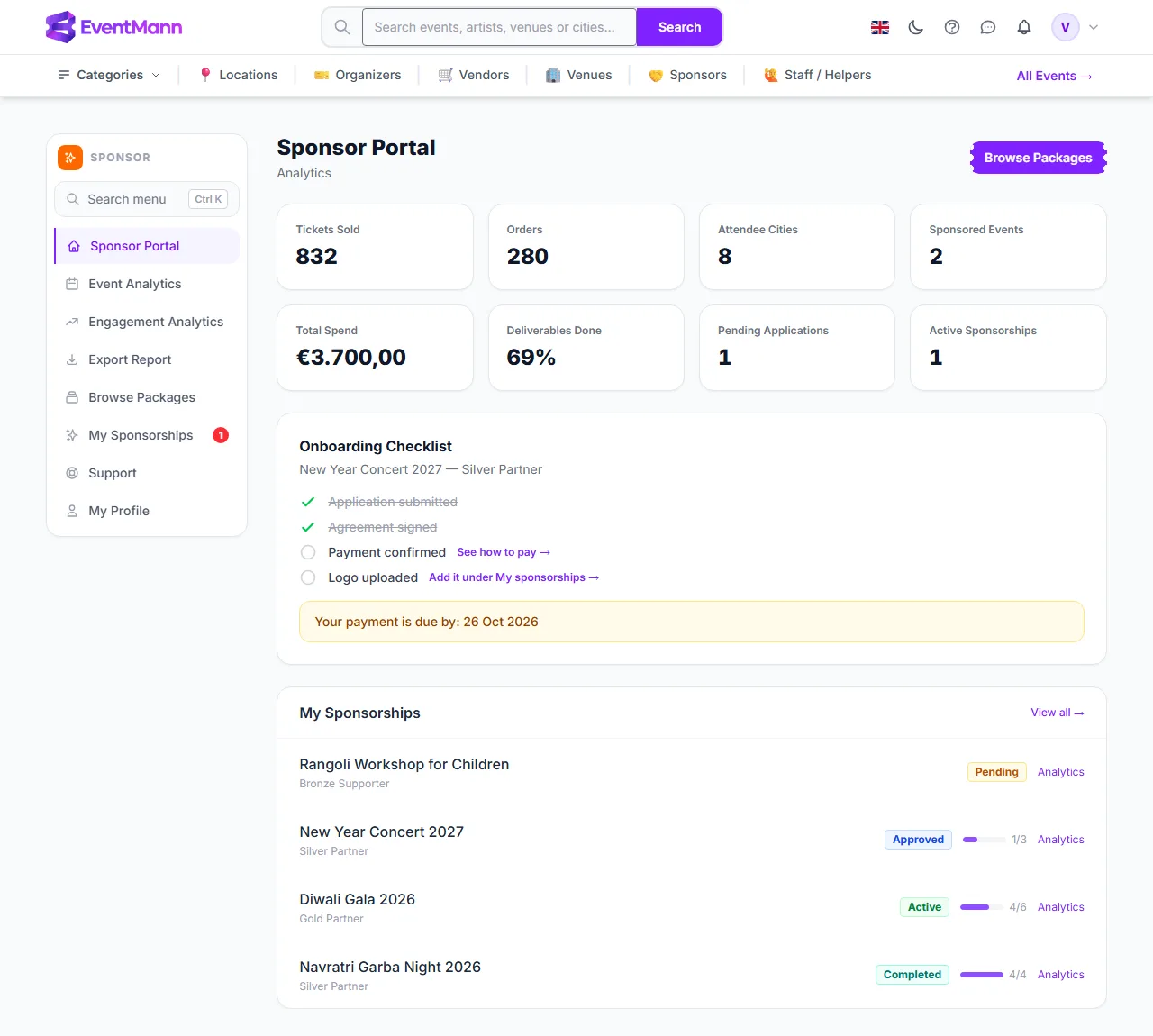
This walks you through creating a sponsor account and reaching the point where you can send your first application. The account is free — you only pay when an organizer approves a specific sponsorship and sends you an invoice for it. Sponsors work in their own portal, which opens at Sponsor Portal after you sign in.
What you can do here
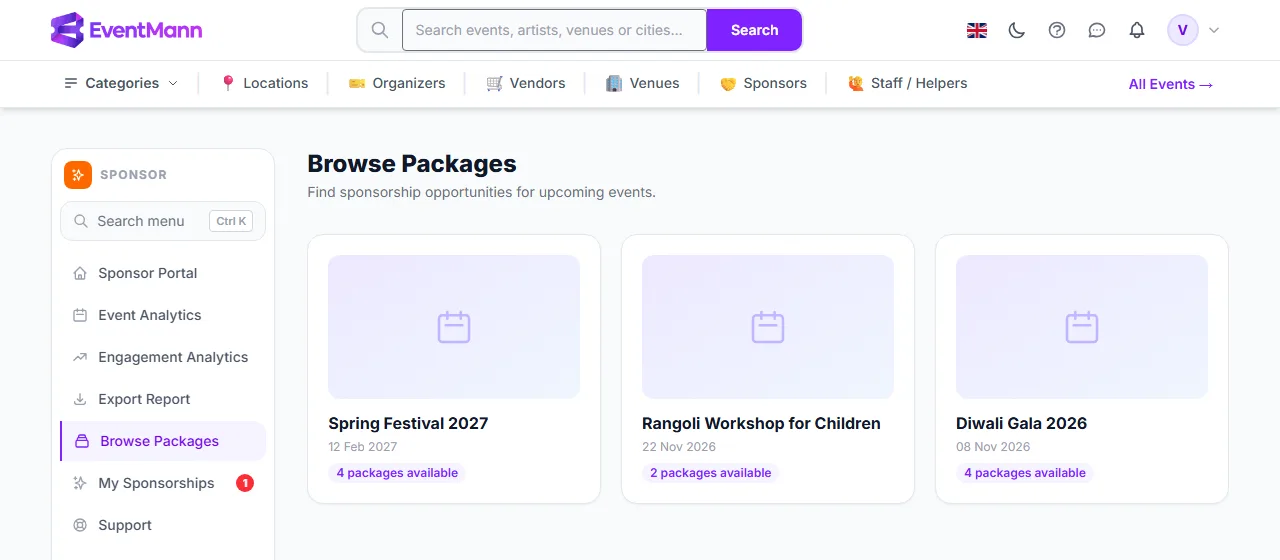
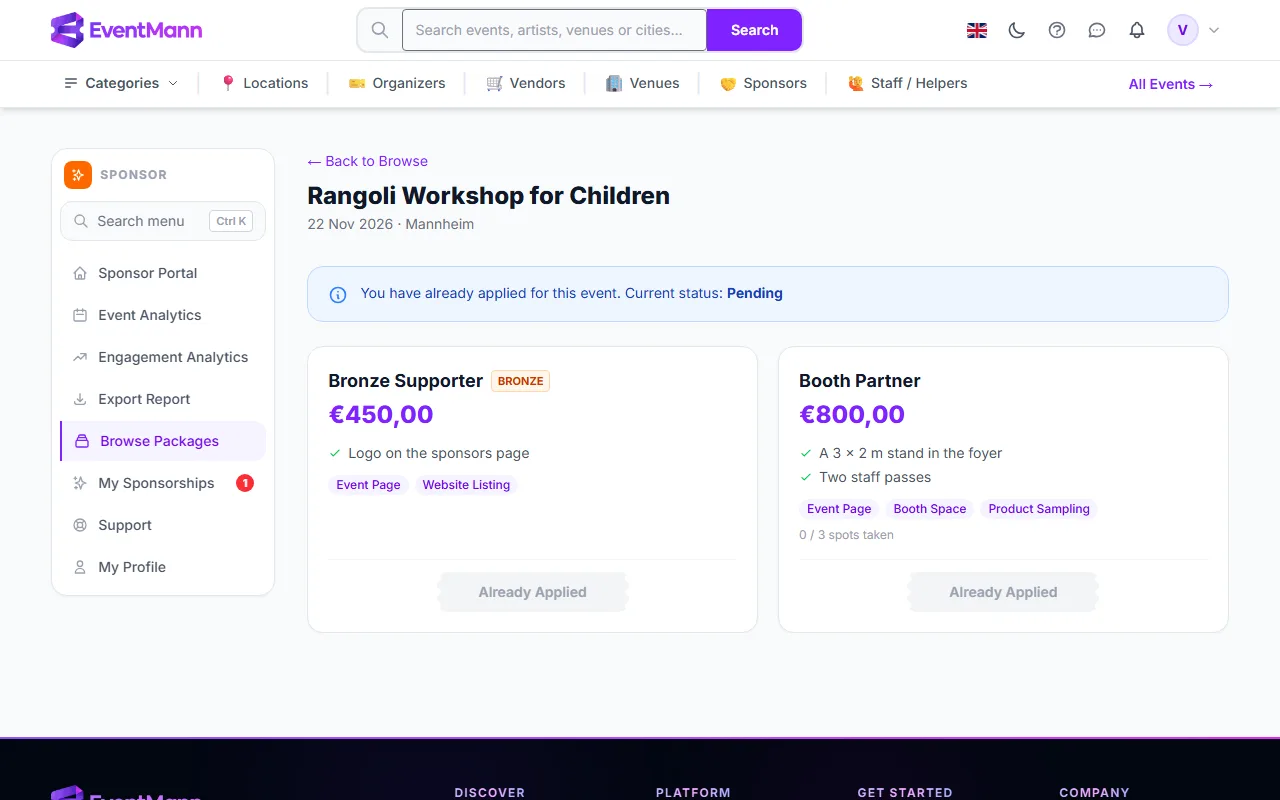
- Browse Packages — every published event that has at least one active sponsorship package, one card per event.
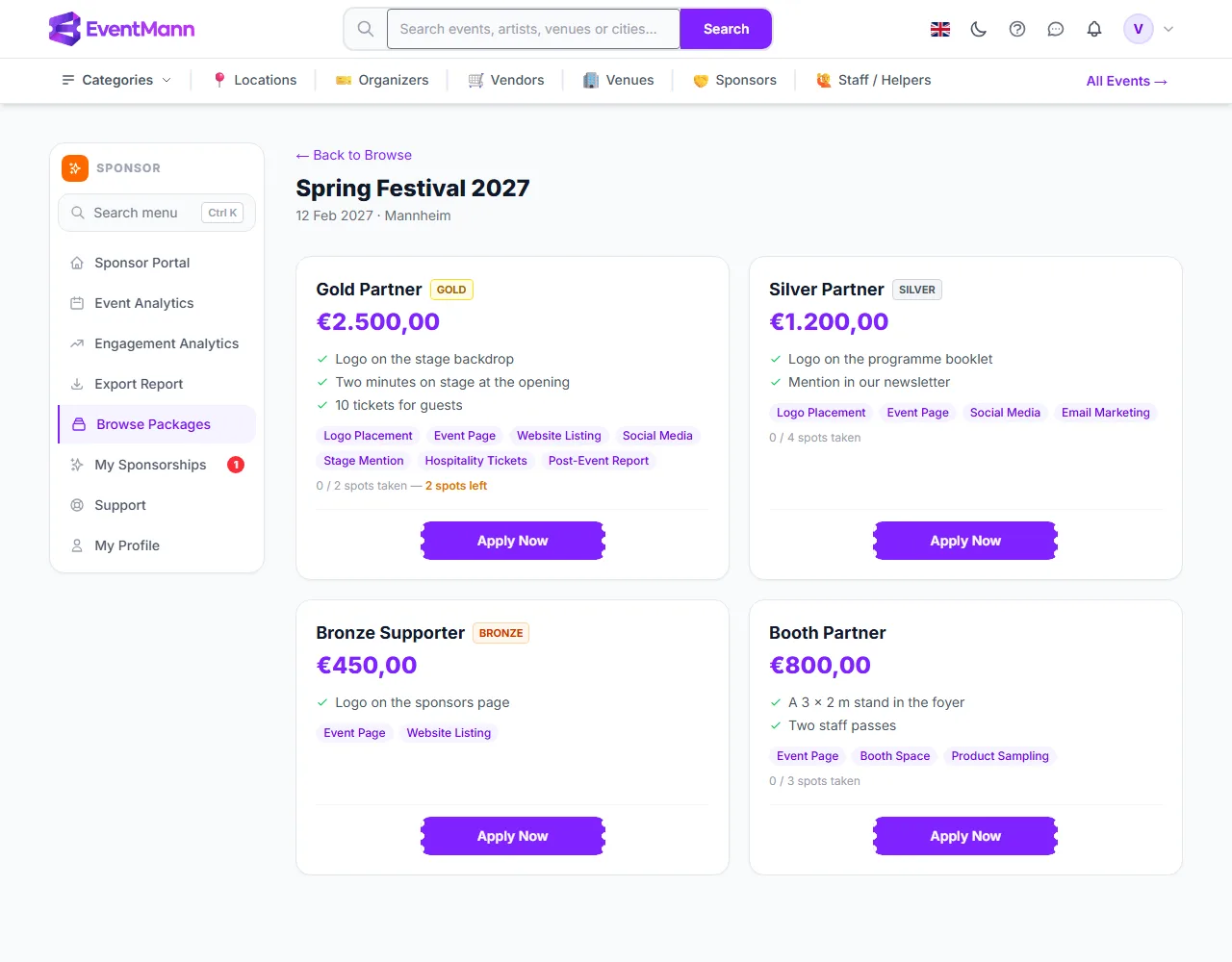
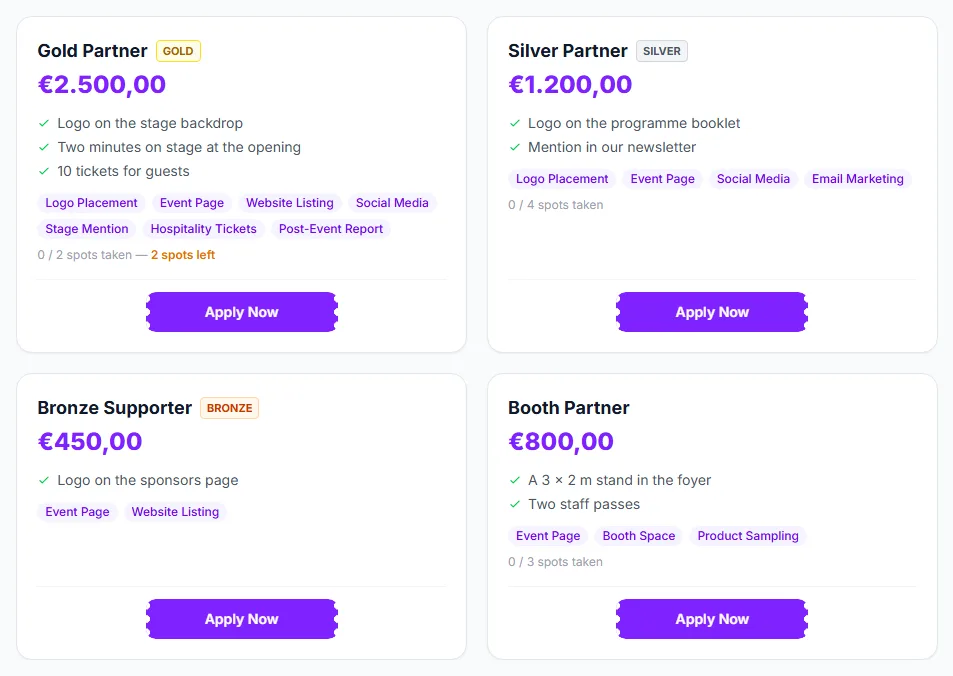
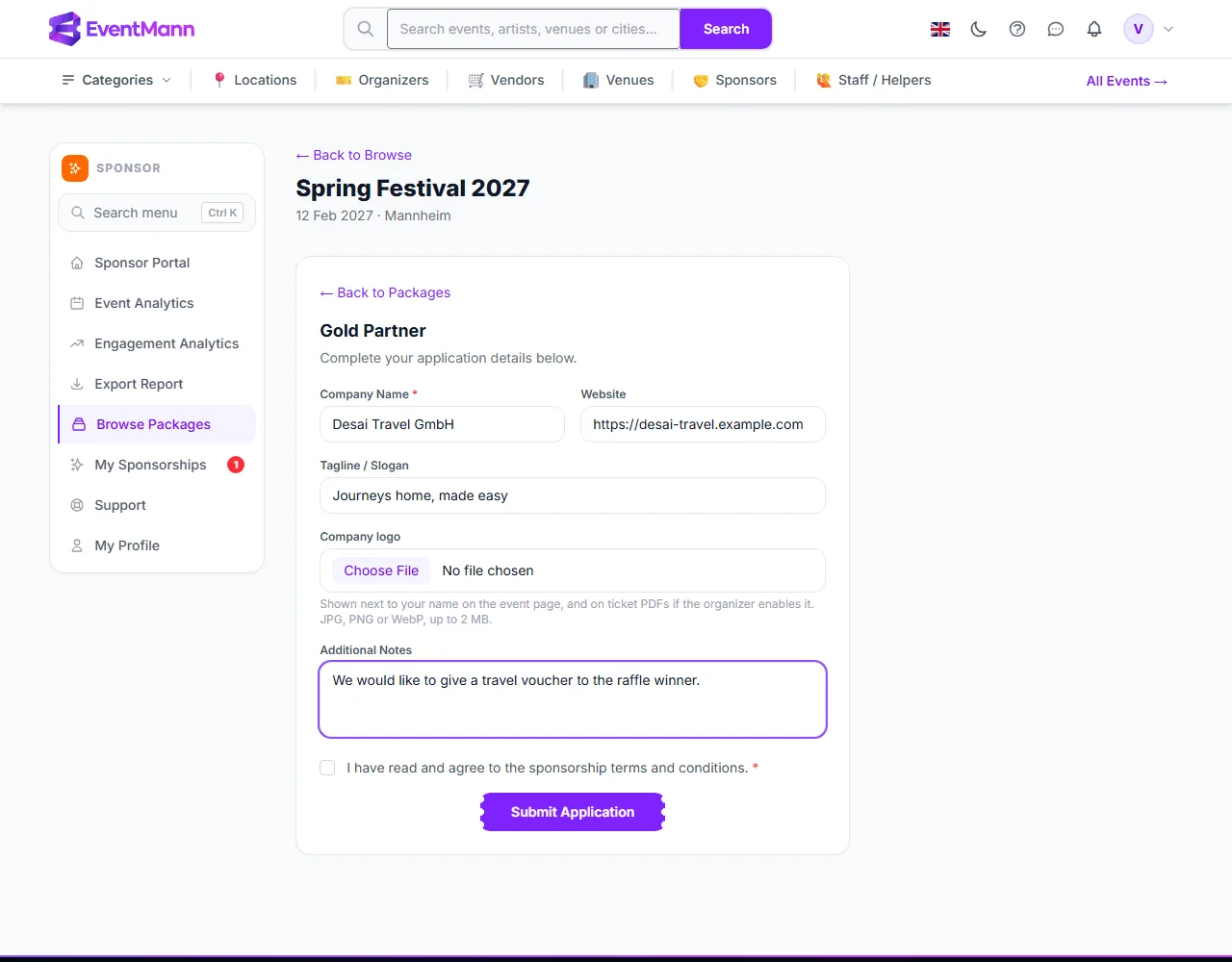
- Apply — choose a package, describe your company and agree to the terms. The organizer approves or rejects the application.
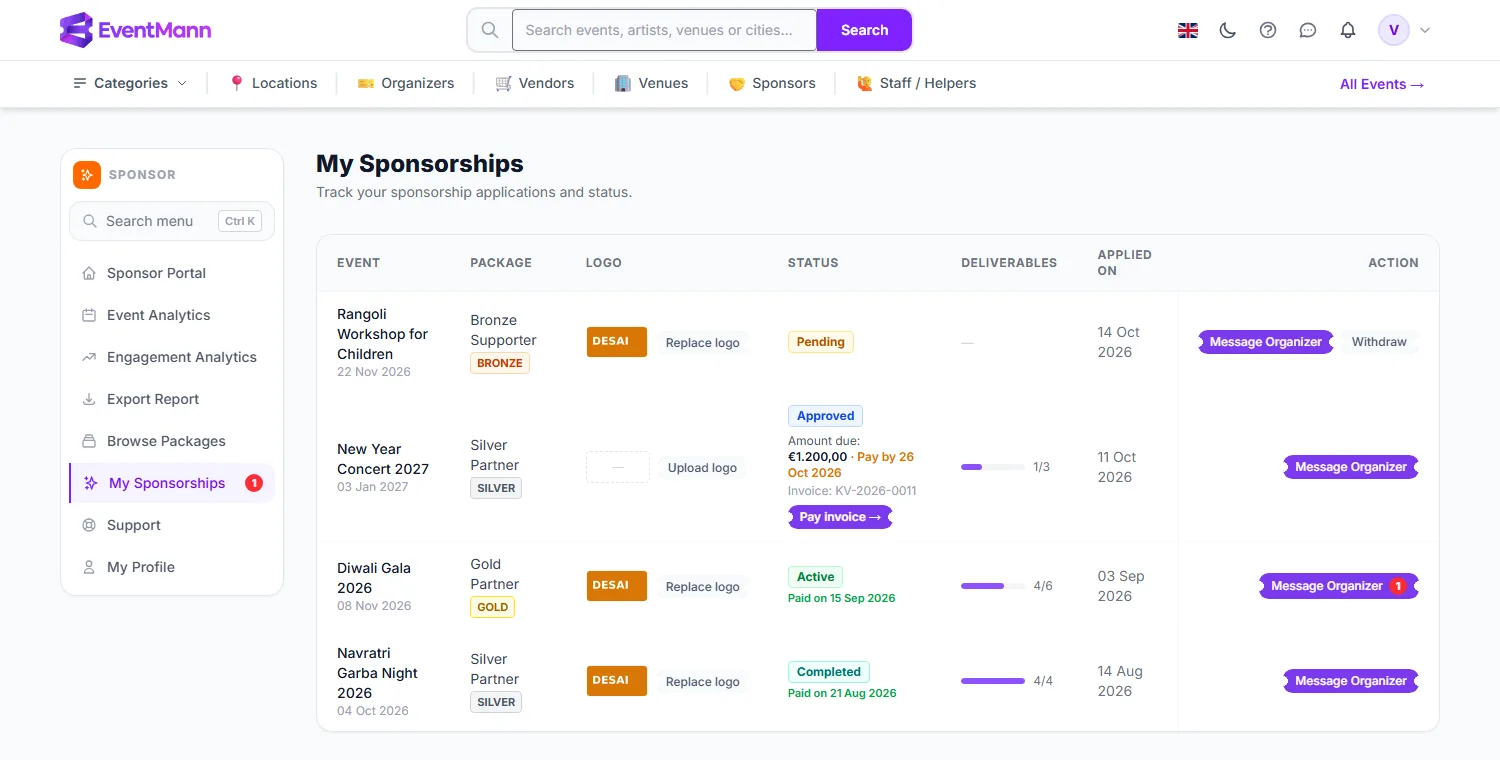
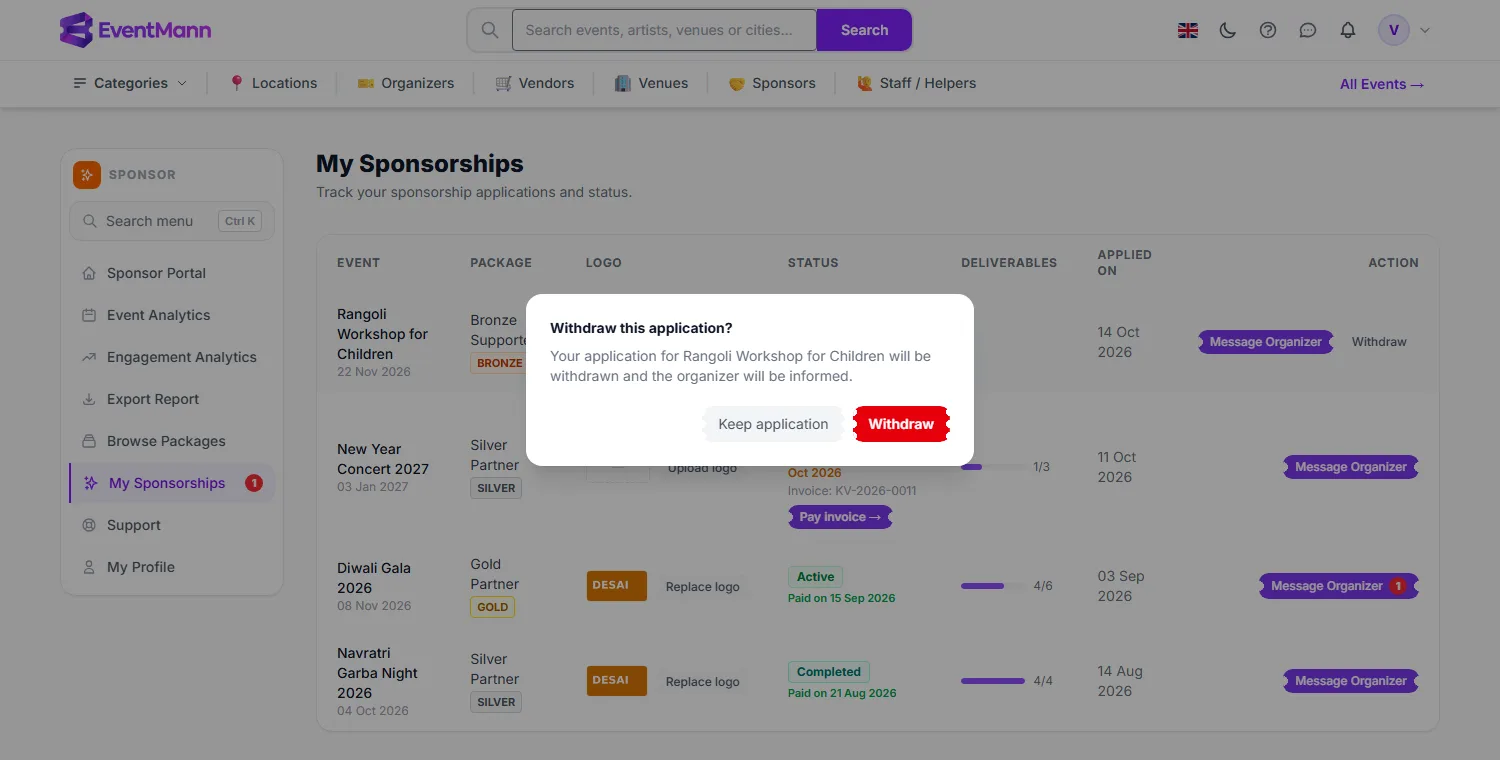
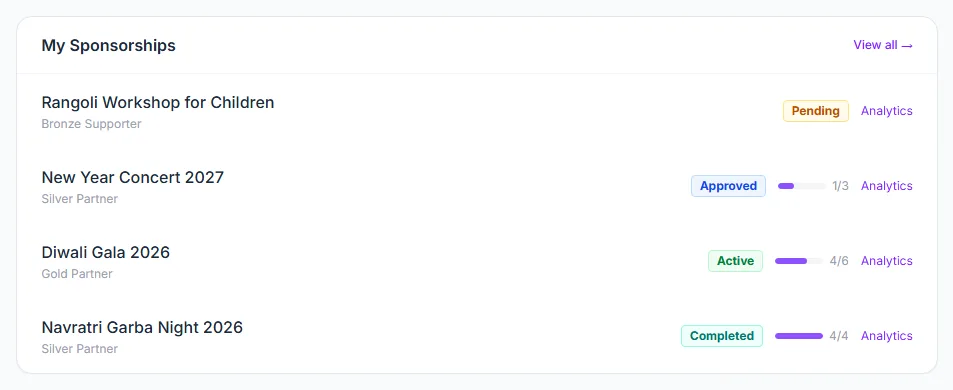
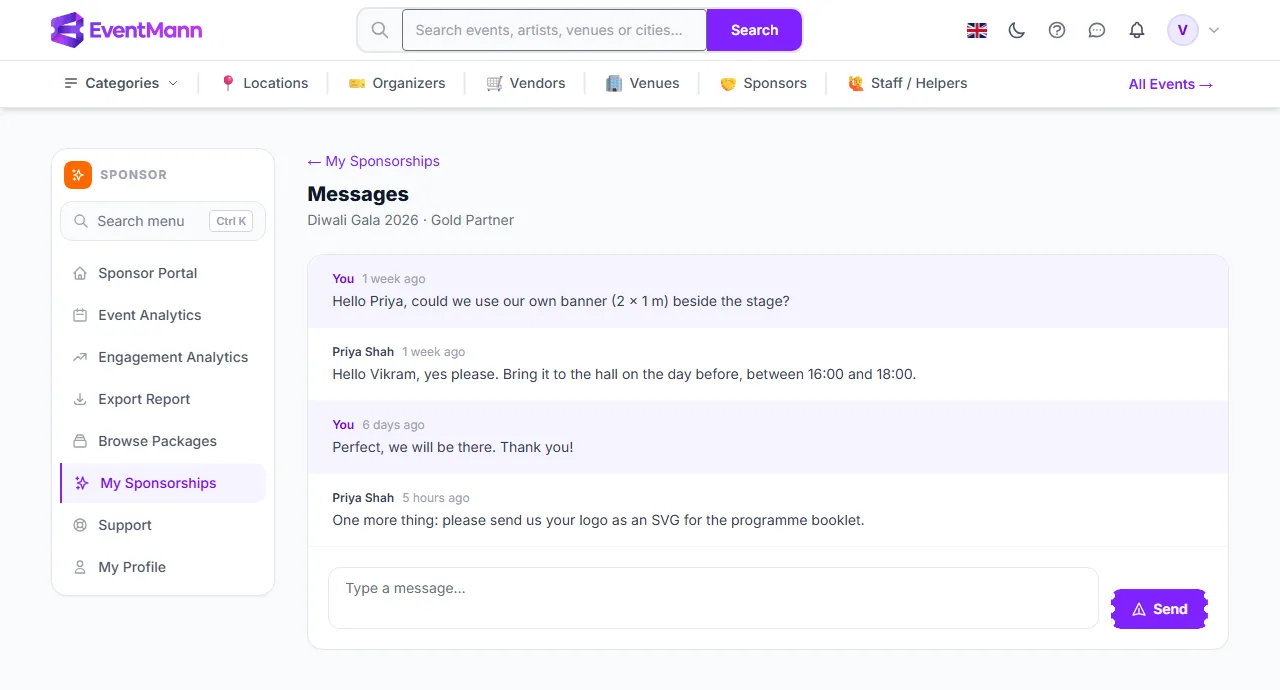
- My Sponsorships — every application you have made, with its status, payment details, logo, deliverable progress and a message thread with the organizer.
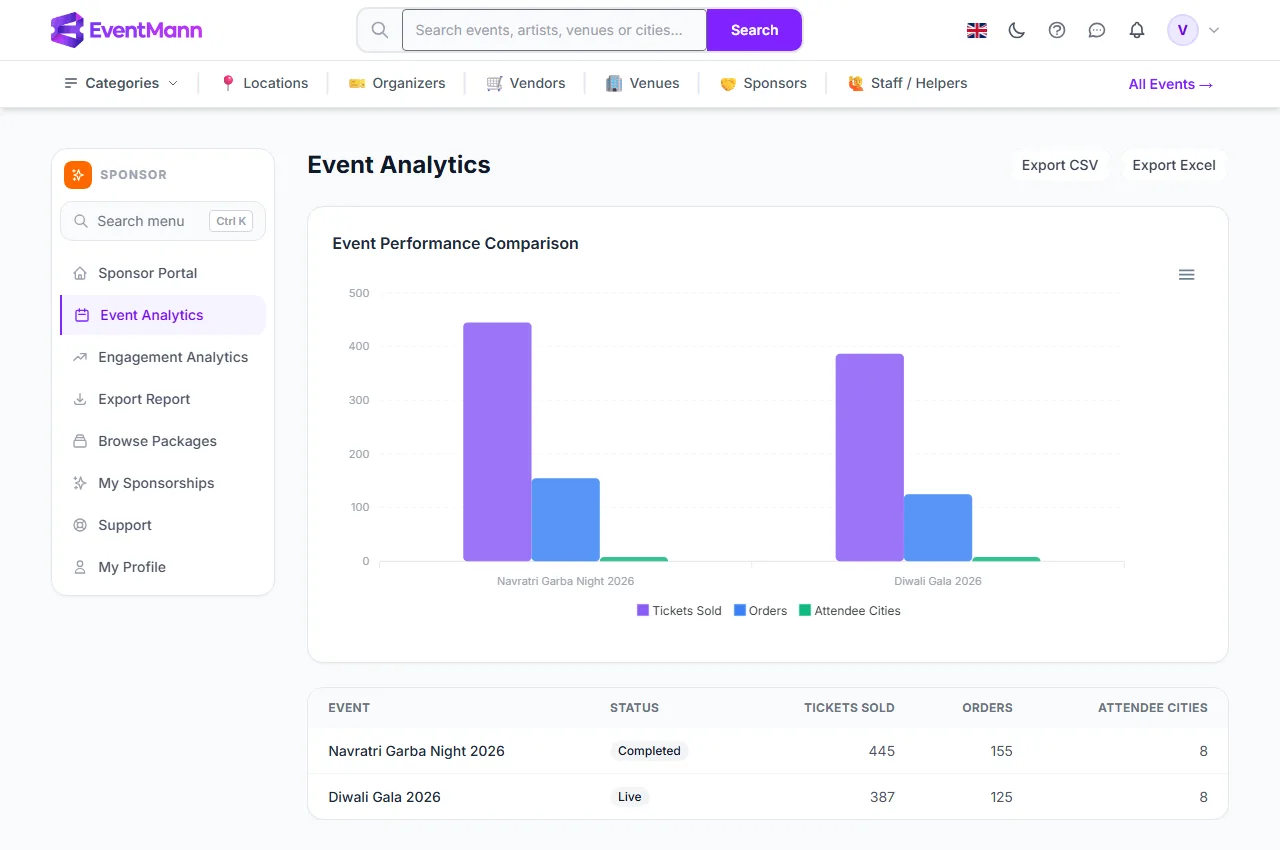
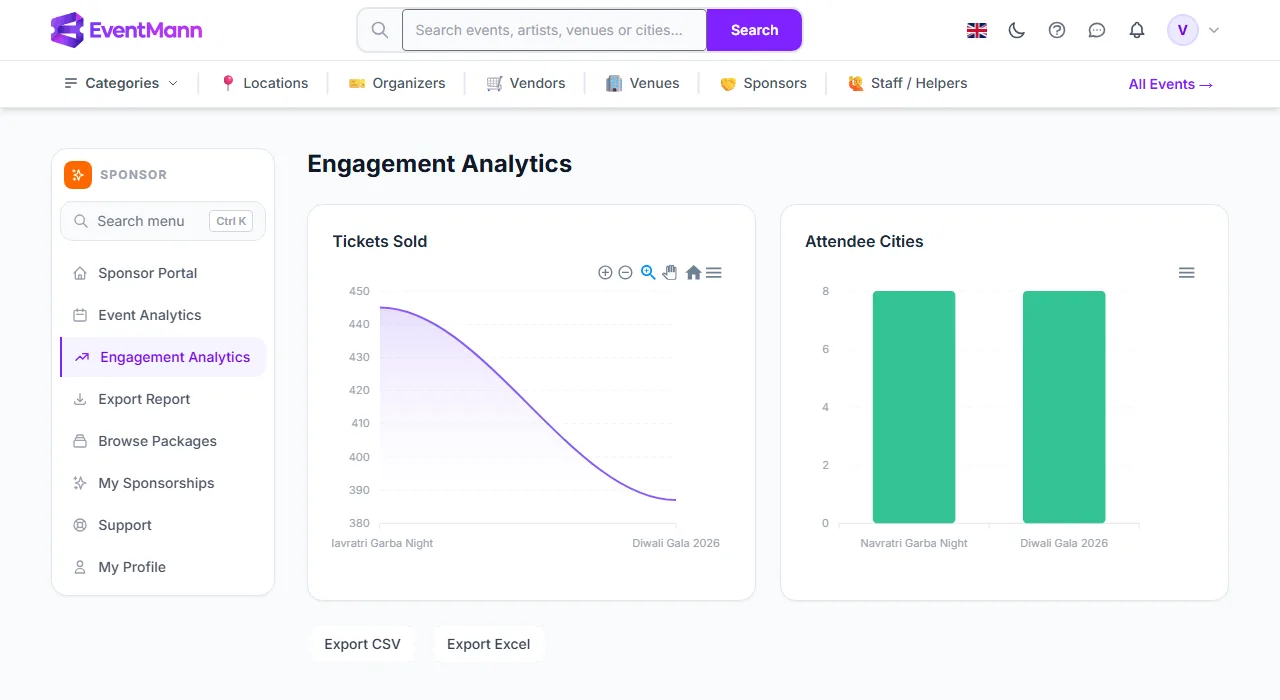
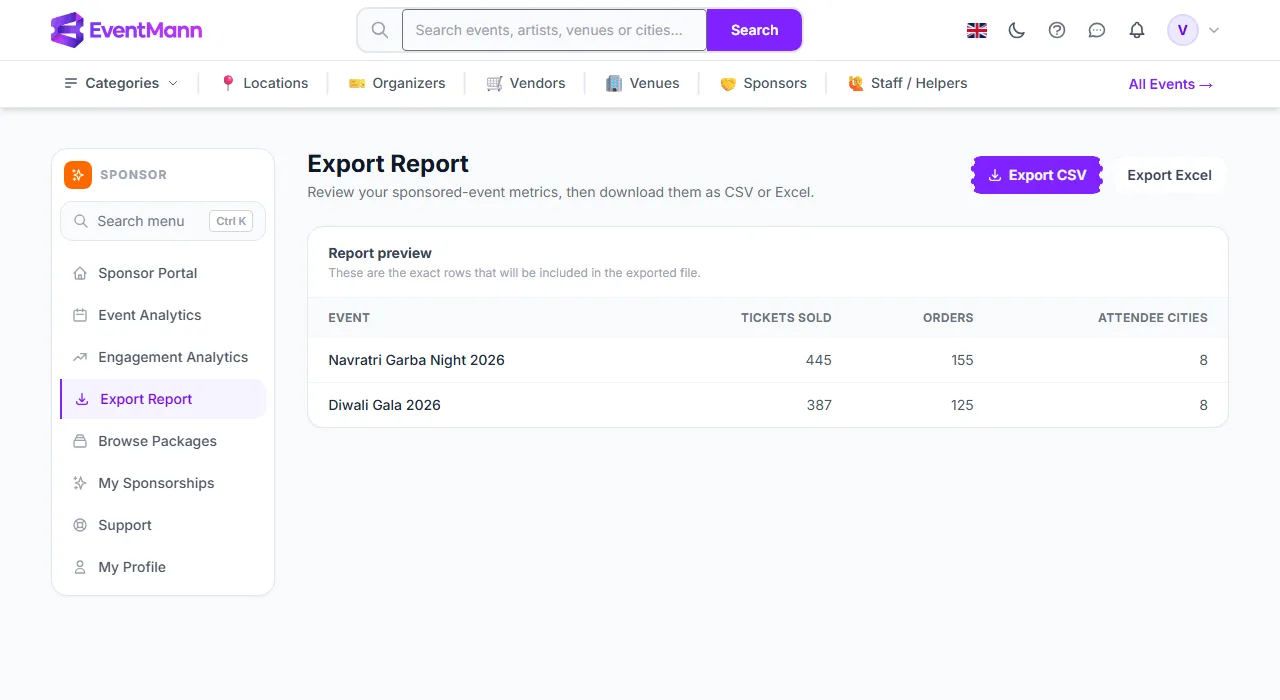
- Event Analytics, Engagement Analytics and Export Report — the figures EventMann measures for the events you sponsor: tickets sold, orders and attendee cities.
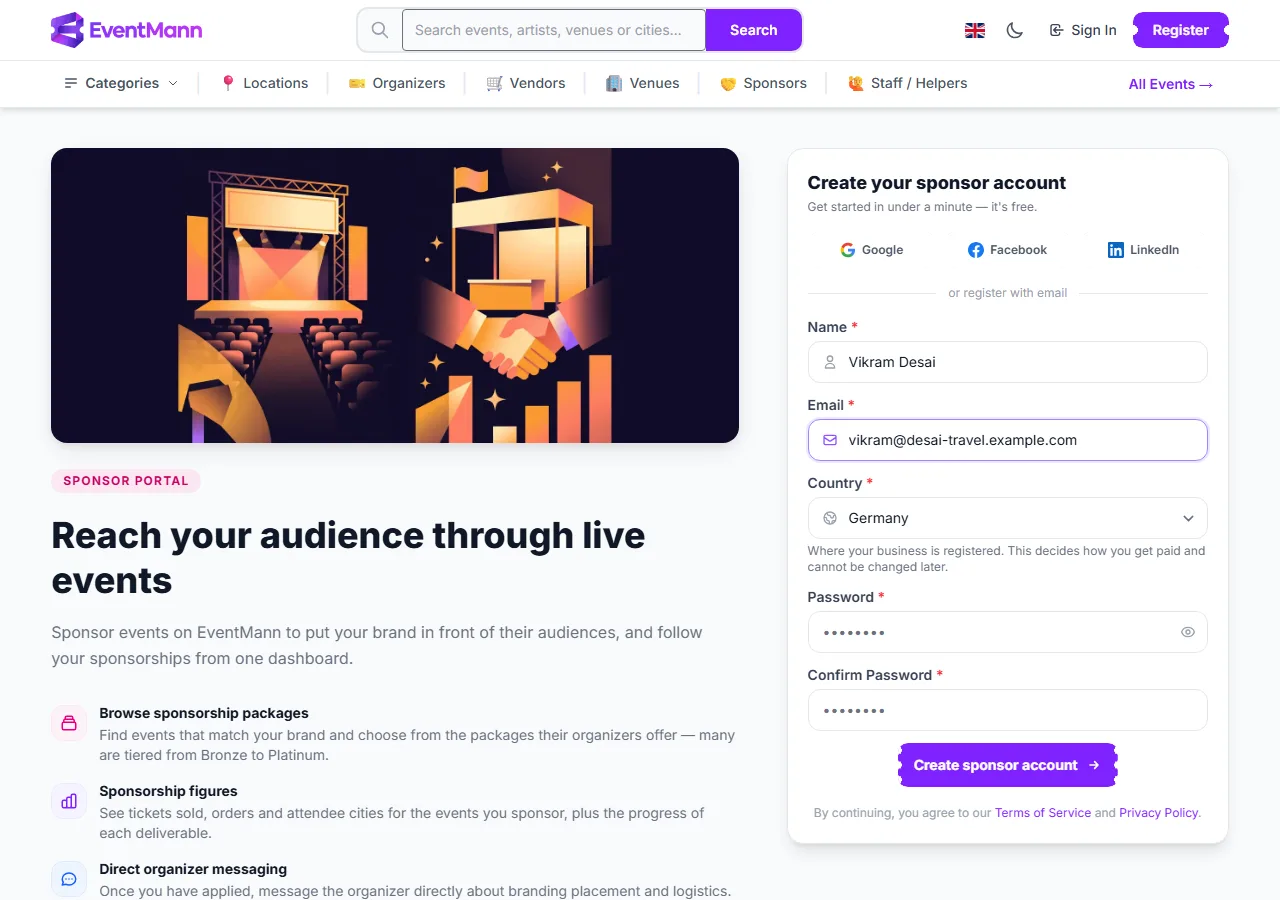
Create your sponsor account
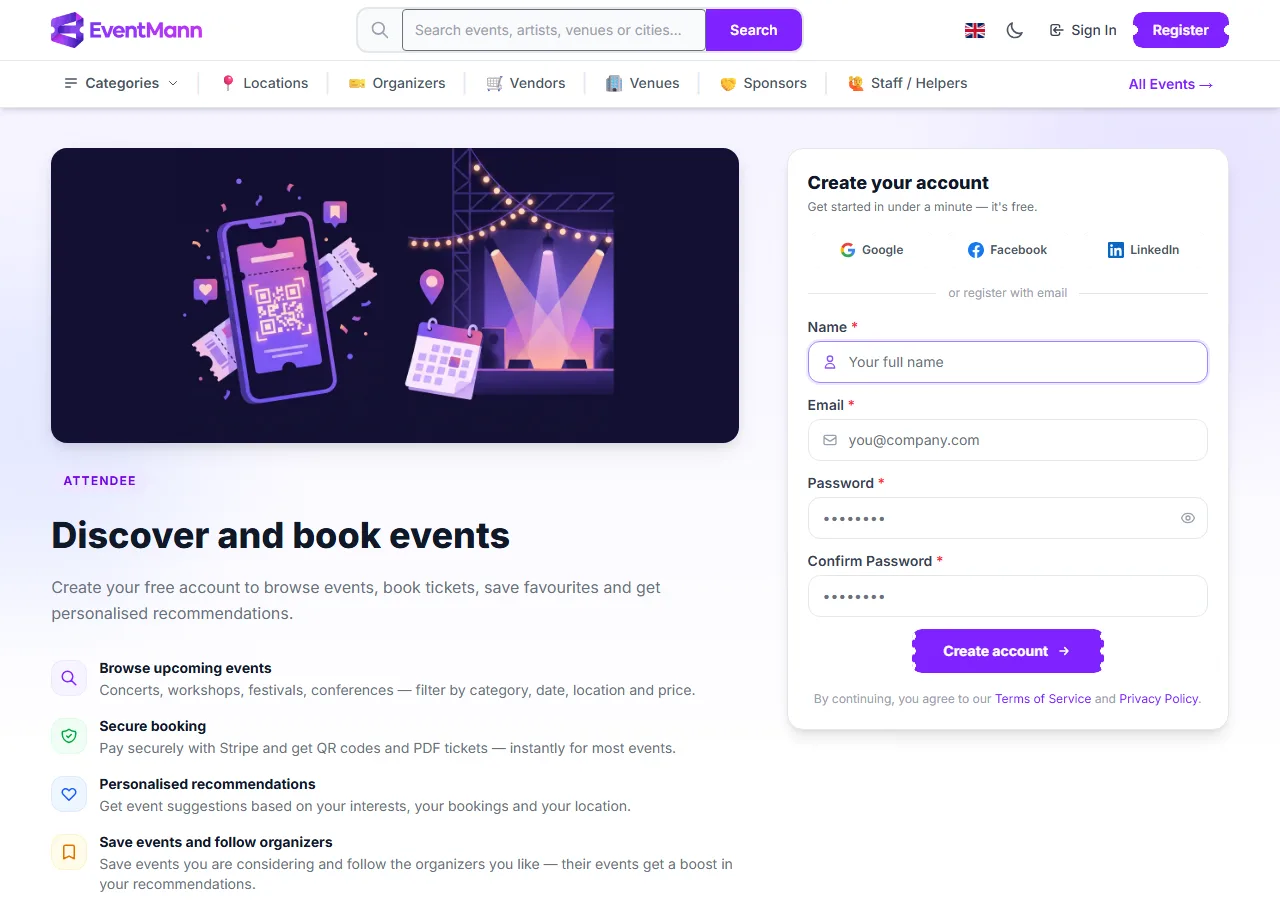
- Open the For Sponsors page and choose to register as a sponsor. The form asks for your Name ①, Email, Country ② and a Password ③ (entered twice). You can also sign up with Google, Facebook or LinkedIn instead.
- Pick the country where your business is registered. The form says this cannot be changed later, and only countries EventMann currently works in are offered.
- Click Create sponsor account ④. You are signed in straight away and land on a short setup checklist.
- Complete the two required checklist steps — your profile and your company details (the short text under My Profile). A violet bar at the top of every page shows the next step until both are done.
- Open Browse Packages, pick an event and apply. See How to Apply for Sponsorship.
Good to know
- There is no separate sponsor profile page with a logo, industry or budget. Your company name, website and tagline are entered with each application, and the form is pre-filled from your previous application so you do not retype them. The logo is uploaded with the application or later from My Sponsorships.
- Your account uses the same My Profile page as every other role: name, email, password and notification preferences. The Sponsorship messages preference controls whether you also get an email when an organizer writes to you or approves an application.
- One login can hold several roles (for example organizer and sponsor). The avatar menu lets you switch between them.
- Creating the account does not publish anything and does not tell any organizer about you. Organizers only see you once you apply.
Troubleshooting
- The country you need is not in the list — EventMann only accepts sign-ups from countries it operates in. The list is not something you can extend from your side.
- The violet setup bar will not go away — it stays until the two required steps are done. The company step is complete as soon as the text on My Profile is filled in.
- You signed in and landed on a different dashboard — your login holds more than one role. Switch to the sponsor role from the avatar menu.