




Sign up or join a team
Help articles may not be fully accurate — they can lag behind the app due to frequent updates and automated translation. If in doubt, please contact support.
On this page
There are two ways to offer your help yourself instead of waiting for an invitation: the sign-up on an event page, and a join link that a team leader shares in their group chat. Both need an account with a confirmed email address.
Sign up from the event page
If the organizer switched on volunteer sign-up for a live event, its page shows “Would you like to help at this event?” with the link Volunteer with us. The link is also shown at the volunteer-only ticket.
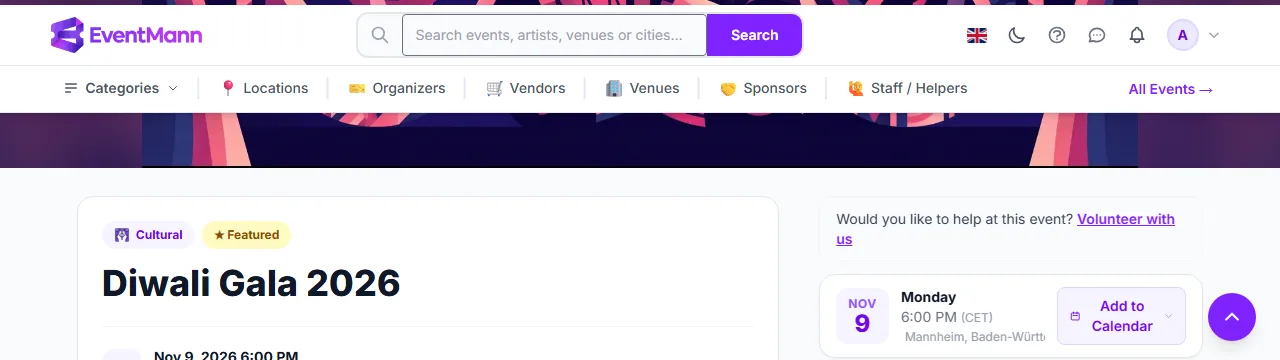
- Sign in and click Volunteer with us ①.
- Read the organizer’s text above the form: what helping involves, when to arrive, who to ask.
- Check the form. Your email address is fixed. Optionally add a Phone number ①, your Skills ② separated by semicolons or commas, and a message under Anything the organizer should know? ③.
- Tap Volunteer with us ④.
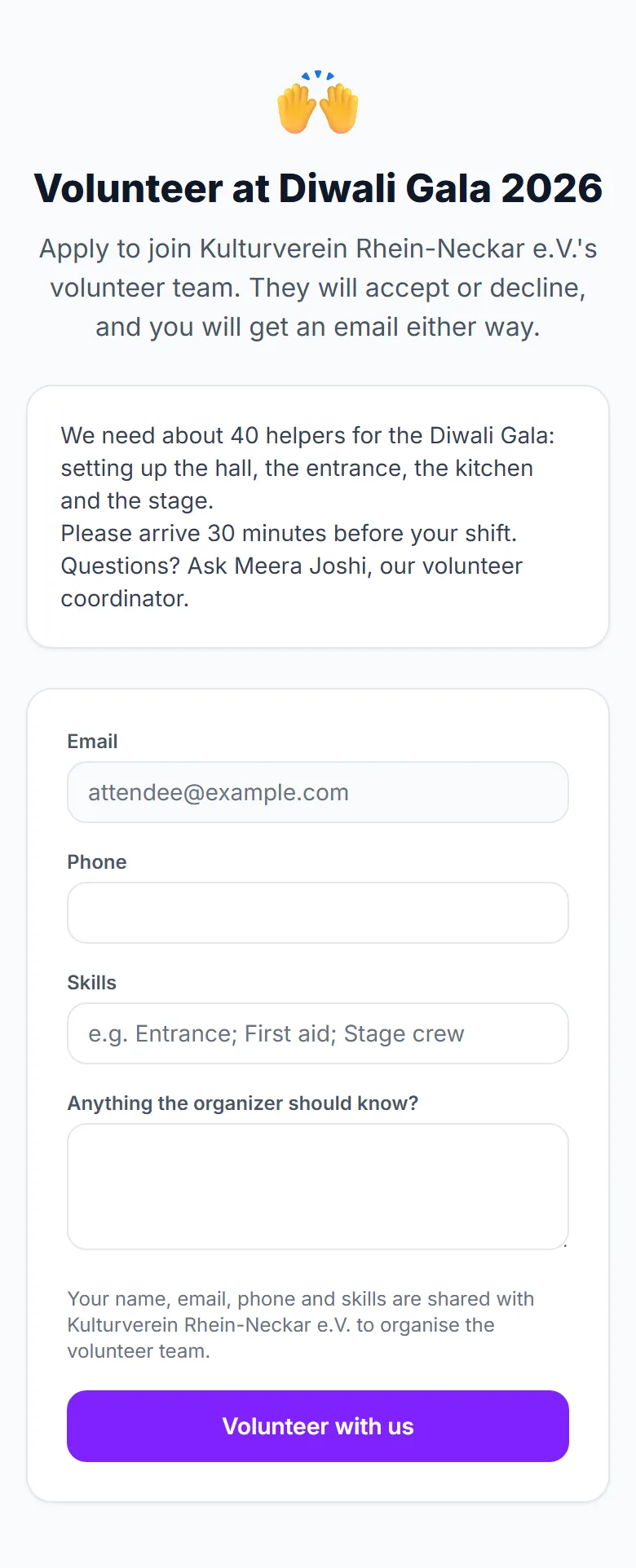
Your application goes to the organizer, who accepts or declines. You get an email either way, and the application shows as Applied under My Volunteering until then. Nobody is accepted automatically. If you had already been invited, signing up counts as your yes.
Join a team with a link
A team lead can post a join link for their team at an event. It works even when public sign-up on the event page is off.
- Open the link and sign in if asked.
- The page names the team you are joining ①.
- Fill in the form as above and tap Volunteer with us ②.
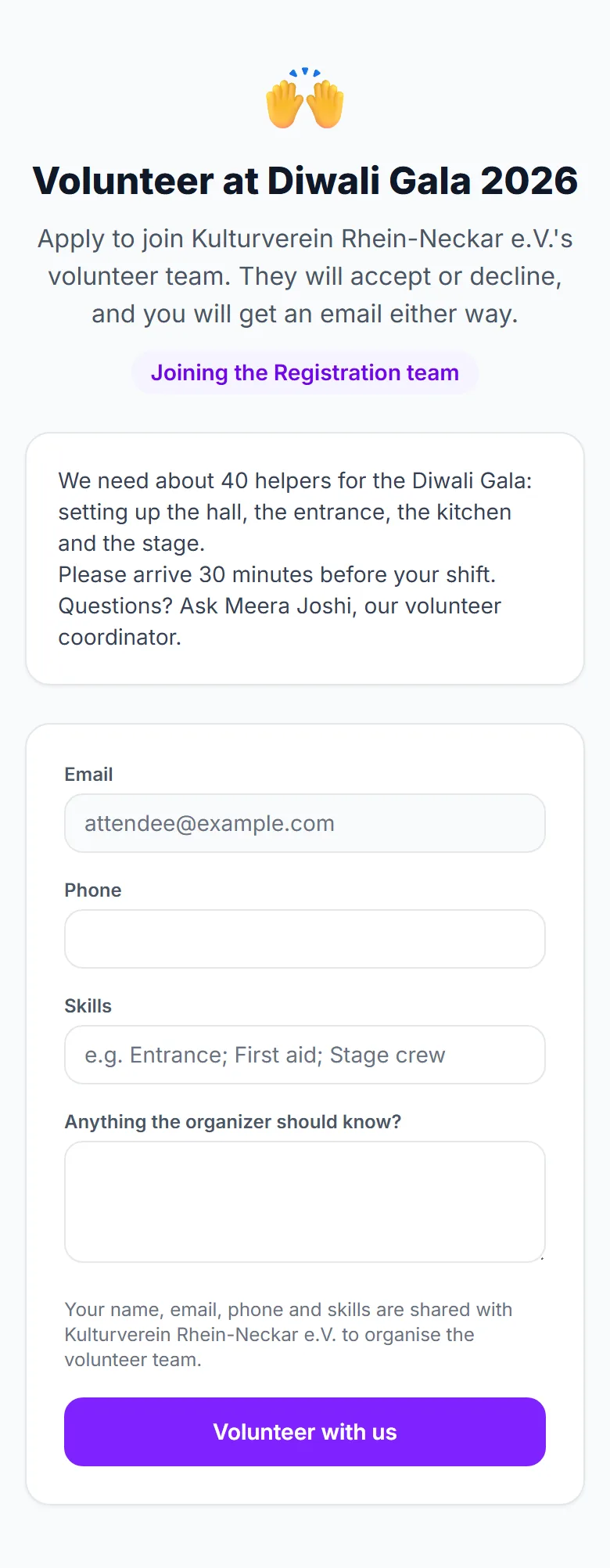
You land in that team as an applicant, and the team lead accepts you. If you were already on the event without a team, the link puts you in that team.
Good to know
- Your phone number is added to the organizer’s roster only if it had none; skills are noted only when you are new to that organizer’s roster.
- Signing up also lifts an earlier “do not invite me” from that organizer.
- If you are already on the event, the page says so and shows your status.
Troubleshooting
- The page is not found — sign-up is off, the event is not live, it has ended, or the join link was switched off by the lead.
- I am sent to sign in — the pages need an account with a confirmed email address.
- I never heard back — ask the organizer or the team lead; applications wait for their decision.