




Agreements
Help articles may not be fully accurate — they can lag behind the app due to frequent updates and automated translation. If in doubt, please contact support.
On this page
Agreements are the contracts between you and the platform — for example the organizer agreement and the data processing terms that apply once attendee names and email addresses reach you. You read and accept them once per version under Settings → Agreements. A new version of a document puts it back in front of you.
What you can do here
- Open Settings → Agreements ①. A line at the top tells you how many agreements are waiting for your acceptance.
- Each document is a card with a badge: Pending or Accepted. A pending document opens by itself so that you can read it; an accepted one is collapsed — use Read to open it again.
- Read the text (the contract is shown in one language for everyone, whatever your interface language).
- Tick the confirmation box and click the accept button. Ticking is required: opening the page is not acceptance.
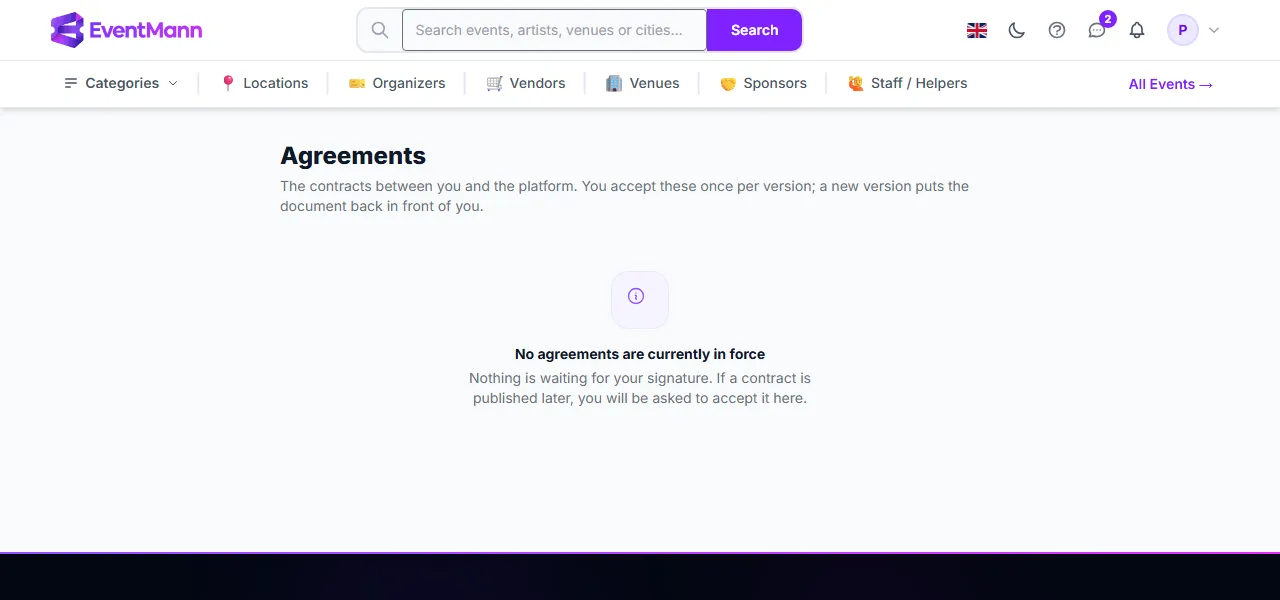
When nothing is in force, the page says so (“No agreements are currently in force”) and nothing is waiting for you. That is the state in the picture.
Why it matters for publishing
While an agreement is outstanding, none of your events can go live. Going live, scheduling a go-live time and creating an event as Live from the wizard are all refused; the scheduled-publish job holds the event as Scheduled instead of publishing it. The refusal message sends you to this page. See Event status: publishing, pausing, cancelling.
If you work in a team and are not the owner, the message tells you that the event owner has to accept; only the account that owns the events can sign.
Good to know
- Your acceptance is recorded with the date, time and IP address, and the screen stays available after you accept, so you can always re-read what you signed and when.
- Accepting does not depend on the language you use: switching the interface language does not ask you to sign again.
- Events that are already Live keep selling while a new version is waiting; the requirement applies to publishing.
Troubleshooting
- “Accept the organizer agreement and data processing terms before publishing” — open this page, read each pending document and accept it.
- The accept button does nothing — the confirmation box must be ticked first.
- I cannot see an agreement my colleague mentions — only documents currently in force are listed.